
Why Every Customer-Facing Business May Soon Use an AI Assistant QR Code
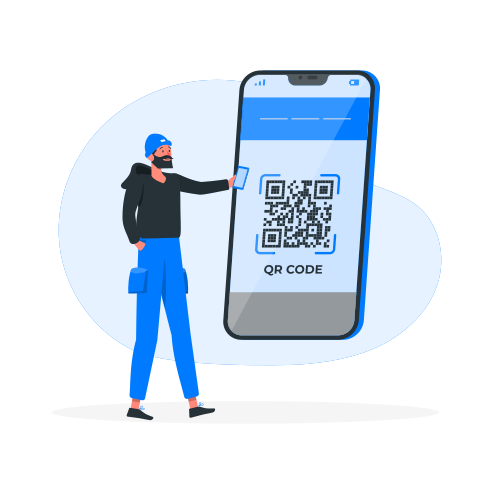
QR menus and review links became familiar because they connect a physical moment to a simple digital action. An AI assistant QR code applies the same idea to customer service: scan, ask, and receive an immediate response.
Where the QR code can lead
The destination should be a focused chat experience that works on mobile. A customer can ask a question, request a booking, leave feedback, or share contact details without searching through a full website.
Useful placements include:
- reception desks and restaurant tables
- shop windows and product packaging
- printed brochures, tickets, and appointment cards
- trade-show stands and event signage
- social profiles and Google Business links
Design the conversation for the location
A QR code at a restaurant table should not open with the same options as a link in an Instagram bio. Use the physical context. Offer feedback and service help on site; offer pricing, directions, and booking before the visit.
Measure before printing at scale
Test the destination link, mobile loading, welcome message, and fallback contact path. Use a durable redirect or managed link if the final chat URL may change. That prevents printed material from becoming obsolete.
Start with one location and one outcome. Once customers use it successfully, expand the QR code to other touchpoints.
Learn how to build a one-link customer support flow.